AI Chatbot for Small Business: When a Chatbot Is Enough and When You Need an Agent
What can an AI chatbot for small business actually do, and when should it become an agent that takes actions in your booking, CRM or email tools? A practical answer for engineering leaders.
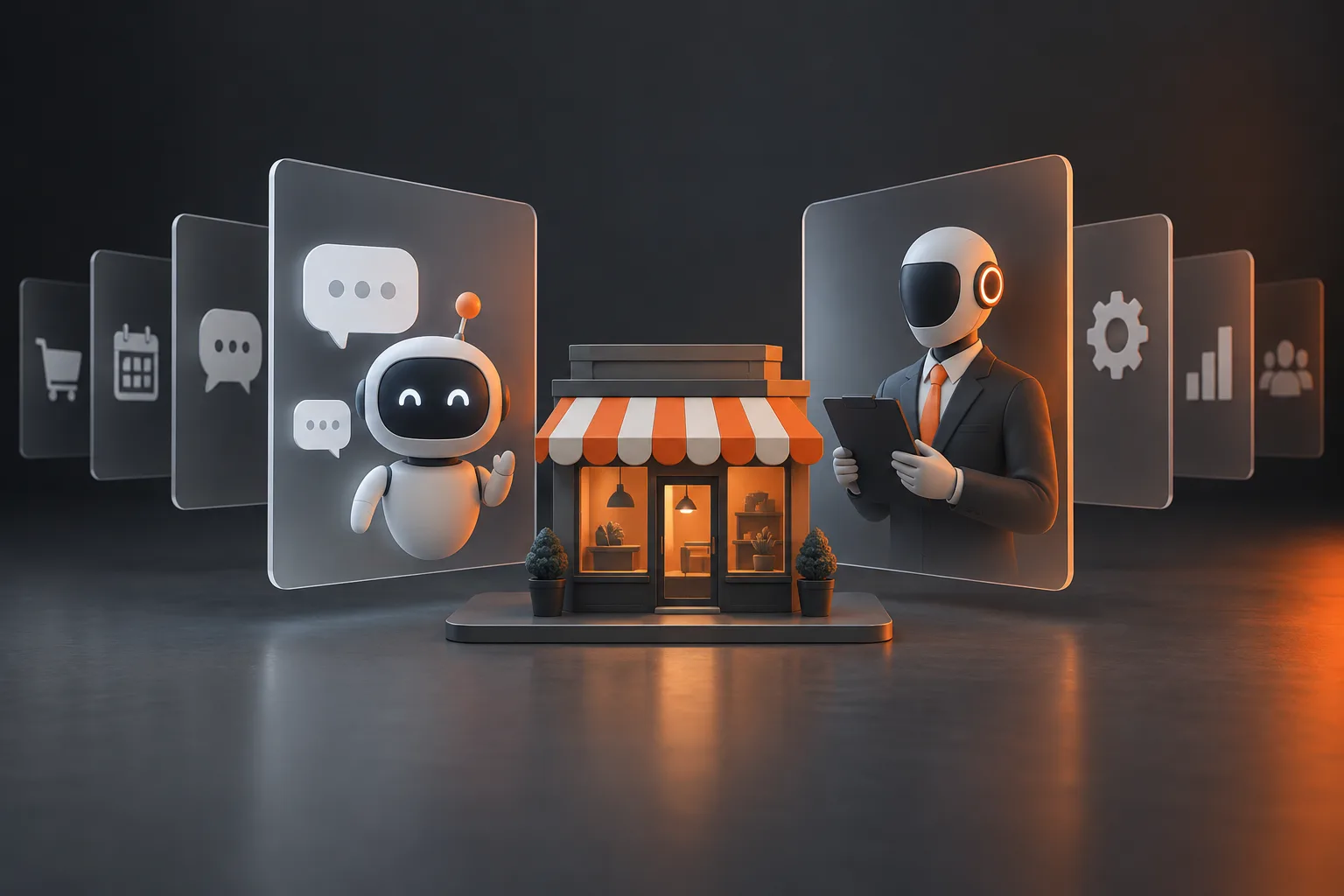
An AI chatbot for small business answers questions in a chat window, using your own content: hours, prices, policies, FAQs. It becomes an agent when it must act: book a slot, update a CRM record, send an email. Start with the chatbot, add one action at a time, and keep a person reviewing anything irreversible.
The short answer on an AI chatbot for small business
The line between the two is not intelligence. It is write access. A chatbot reads. It pulls from a help center, a menu, a price list or a policy page and phrases an answer. An agent has tools: it can check a calendar, create a contact, move a deal stage, draft a reply in someone's inbox. Same underlying model, very different blast radius.
That is why the question matters for an engineering lead. A wrong chatbot answer is an awkward moment you can screenshot and fix. A wrong agent action is a double-booked Saturday, a refund email nobody approved, or a CRM full of duplicate leads. Most small businesses need the first thing first, and a narrow slice of the second only after the first one has earned trust.
A chatbot is enough when the customer's goal ends with information: opening hours, delivery areas, return rules, which service fits which problem. It stops being enough when the customer's next sentence is "ok, book me in" and your bot replies with a link to a form.
What changes the answer
Where the bot lives
An ai chatbot for website visitors has a different job than one on WhatsApp or in your inbox. On a site, people are anonymous and comparing you with three other tabs, so the bot needs to answer fast and hand off to a booking page or quote form. On WhatsApp the customer is often already a customer, expects a thread that remembers context, and will paste half a booking reference into the chat. Channel decides how much memory, identity checking and handoff logic you need.
Whether a rule would do the job
We do not use a model where a rule works. On our own lead-acknowledgment flow, a rule-based spam filter runs first, and plain code (not AI) picks the most relevant case study. Only then does Claude Haiku write a short reply that links that case study and a booking page, with free slots read from Google Calendar. Each step that can be deterministic is. Likewise, AOF, our brokerage account-opening product, has no AI model at all: validated forms, OTP checks and document upload, with the broker's compliance team approving each application. Clean, validated intake is exactly what an agent would later need, and it was the right answer on its own.
What the bot can touch
Every system you connect adds a failure mode. Calendar APIs return stale availability. CRMs reject records with missing fields. Email providers bounce. Count the systems before you pick a design, because the number of integrations and how strict the checks need to be are the two biggest drivers of build time and cost.
Here is a rough sorting guide:
- Answers only (a small business chatbot over your FAQ, menu or policies): low risk, mostly a content and retrieval problem.
- Answers plus capture (the bot collects a name, need and contact details and creates a CRM lead): moderate risk, needs validation and de-duplication.
- Answers plus booking or changes (check availability, book, move, cancel): real agent territory, needs tool limits, rate limits and a path to a human.
- Anything that sends money, refunds, or messages a customer without review: keep it a draft until the gate is mechanical and a failure is cheap.
A booking example, and why we call it a prototype
For a sports venue we built a WhatsApp booking assistant on GPT-4o with nine tools: check availability, book, move and cancel among them. It keeps a 20-message memory, has loop prevention and rate limits, and hands off to staff on request. It is an early prototype, not in active use, and we have no measured result to report. We mention it because the guardrails are the interesting part. Venues, restaurants and hotels live on exactly this kind of reservation traffic, and our hospitality work starts from the same question: which one action is safe to automate first?
A custom bot versus an off-the-shelf one
People searching for the best AI chatbots for small businesses usually land on hosted products such as Intercom's Fin, Zendesk's AI agents, Tidio, or a custom GPT built in ChatGPT. Those are reasonable when your questions live in a help center and you want a widget by Friday. We will not rank a top five, because the right one depends on your help desk, your channels and how much of your content is already written down. A custom ai chatbot for business starts to make sense when the bot needs to read or write in your own systems under your own rules, or when a hosted tool's handoff and permissions model does not fit your workflow.
How to decide and plan the work
Our rule before we build anything: one workflow, one owner, one metric that decides go or no-go. If a client cannot name all three, they are not ready, and a chatbot project will drift. Here is the sequence we follow, in order.
- Pick the workflow. Not "customer service". Something like "after-hours booking requests for the Saturday calendar".
- Measure the current path. Median and slowest-case time per case, rework rate, queue depth, and what a case costs you today. Without this baseline you cannot prove anything afterwards.
- Decide chatbot or agent per step. For each step ask: does this read, or write? Writes get a human checkpoint or a mechanical gate.
- Connect the tools you already pay for. CRM, calendar, inbox, help desk, WooCommerce or WordPress. No rip and replace, and no no-code chains you cannot own.
- Run in shadow mode. The bot drafts, people approve, you tune on real traffic. Two weeks of this costs less than months of quiet non-adoption.
- Grant partial autonomy where the gate is mechanical. Then scale, iterate or stop, based on the baseline numbers.
A focused single-workflow pilot typically runs 2 to 6 weeks, including the baseline and shadow mode. Our standard plan fills 4 to 6 weeks: baseline and access in the first week, build and a small feature-flagged slice in weeks 2 and 3, shadow mode in week 4, and partial autonomy plus before and after numbers in weeks 5 and 6. A narrow single-agent sprint can be 1 to 2 weeks. What stretches the timeline is the number of systems the agent touches and how strict the checks need to be.
Design rules that keep a small agent safe
Prompts carry judgment. Code carries facts: prices, links, categories, permissions and counts. On our MEC Artworks product-page work, Claude vision writes the copy, but code sets the price within a band, links come from an allowlist, and categories come from the store's real list. Output lands as a hidden draft, and a test fails the build if any code path could set a product live. The same principle applies to a chat agent: let the model phrase, let code decide what is allowed.
Force structure at the boundary. The model should call one strict tool or answer against a JSON schema, so free text never feeds another system. Small gotcha we hit: strict tool schemas rejected minItems and maxItems, and adding them broke every production call, so we check counts in code. Also give every agent a non-AI fallback. If the model is down, our lead emails fall back to templates, and the output says which engine produced it.
What goes wrong in practice
- Silent success. A misconfigured job reported success in under a second with nothing produced. Agents should fail loudly.
- Idempotency. A failed email still recorded its "sent" key, so it never retried. Record success only after success.
- Permissions. After launching a remote MCP server for our own product, Groohve, a live smoke test showed the permission check locked out most real owners. We fixed it the same day. Test with real accounts, not only admin ones.
- Spend. Three scheduled agents had no shared spend cap. Set one before launch.
- Load. Under a marketing spike, connection pools, uncapped functions and in-request email break first.
Also be careful what you let people paste into any public chat tool, including ChatGPT. Customer personal data, health details, card numbers, passwords and API keys do not belong in a consumer chat window. If staff need an AI that sees customer records, build it inside your own systems with scoped access instead.
Where a delivery partner fits
If your need is a chat widget over an FAQ, you may not need us. If the bot has to act in your booking, CRM or inbox, that is where AI agent development removes risk: tool schemas, review steps, fallbacks, and a pilot with a measured baseline. We plug into the tools you already use and keep a human checkpoint on anything customer-facing and irreversible.
Our MEC Artworks design studio shows the pattern from the customer side. Visitors describe a mosaic or place one in a photo of their own room, an email check unlocks a few free renders, and a quote request becomes a lead in the client's GoHighLevel CRM with the designs attached. The client's sales team works every lead. It is closer to a guided website experience than a classic chatbot, and the CRM handoff is what makes it useful. We have no lead or revenue figures to share, and we will not invent any.
For a wider view of which jobs suit a small team, our guide on AI agents for small business goes through the common workflows and where a person should stay in the loop. And if you are unsure which AI to build on, there is no single answer: we pick the cheapest model that passes the quality gate for each task, and only consider fine-tuning or self-hosting when privacy, cost or domain clearly justify it.
If this is on your roadmap, tell us the workflow, the tools involved and who owns the result. We will map a concrete next step on a short call, through our contact page.